
 Circle of Good Will
 Contact

Background Images for PC
You can download these pictures to install them as desktop backgrounds. The images are best viewed using a monitor resolution of 1024x768 pixels.
 |
 |
 |
 |
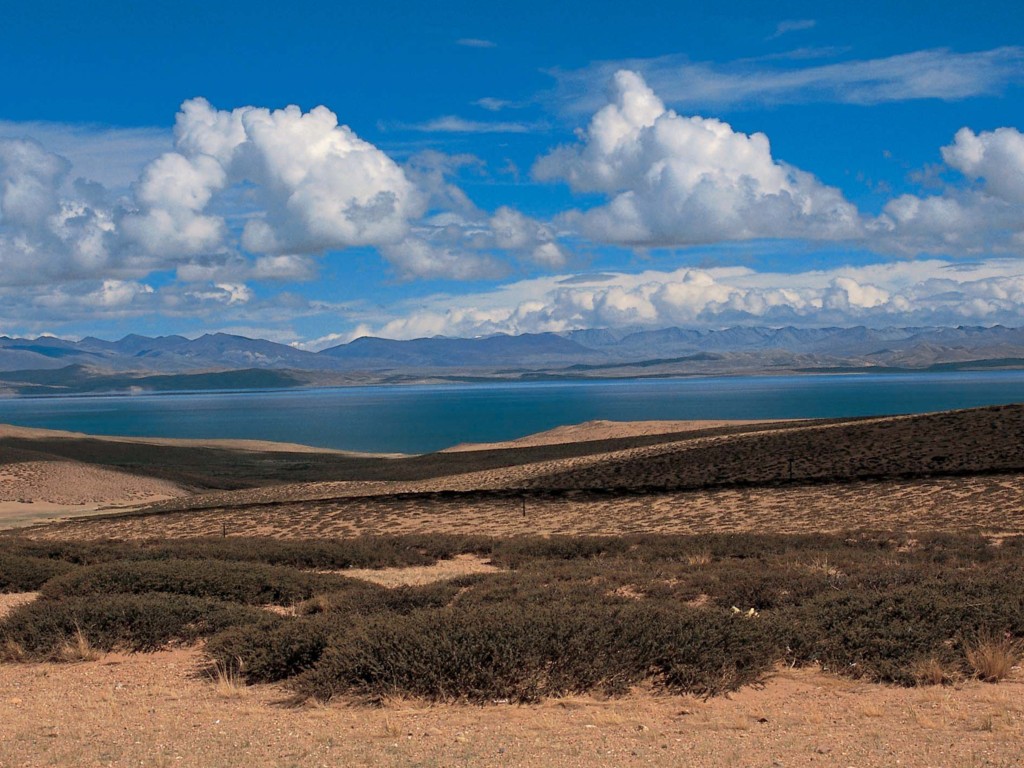
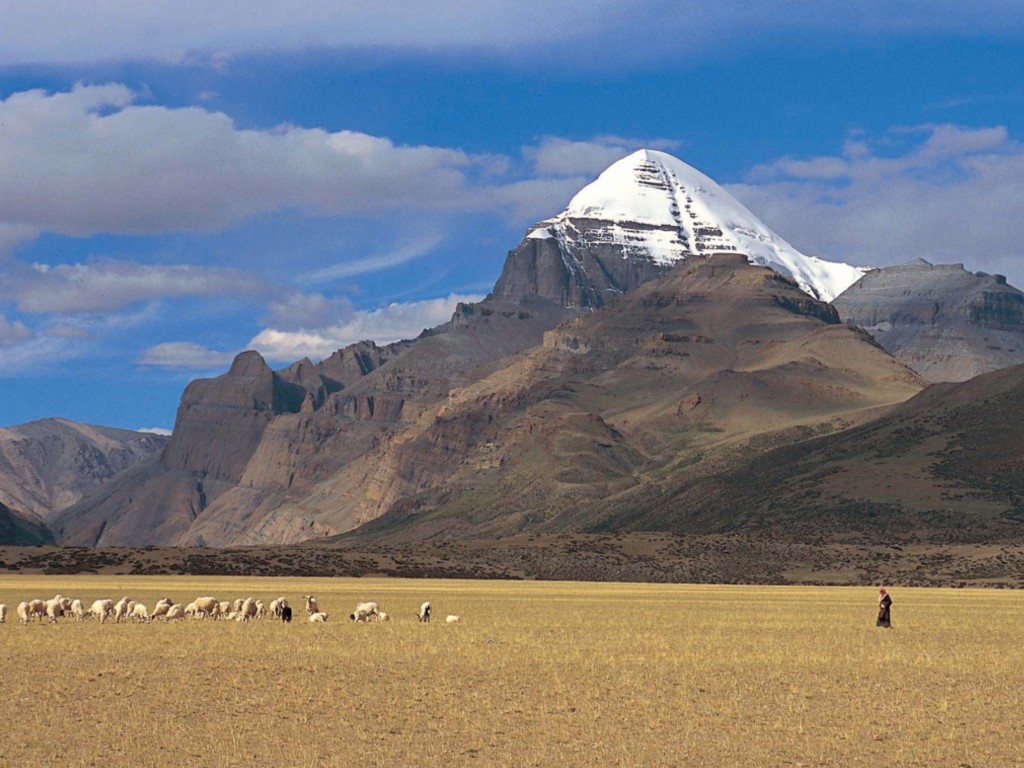
| Lake in Tibet | Mount Kailash |
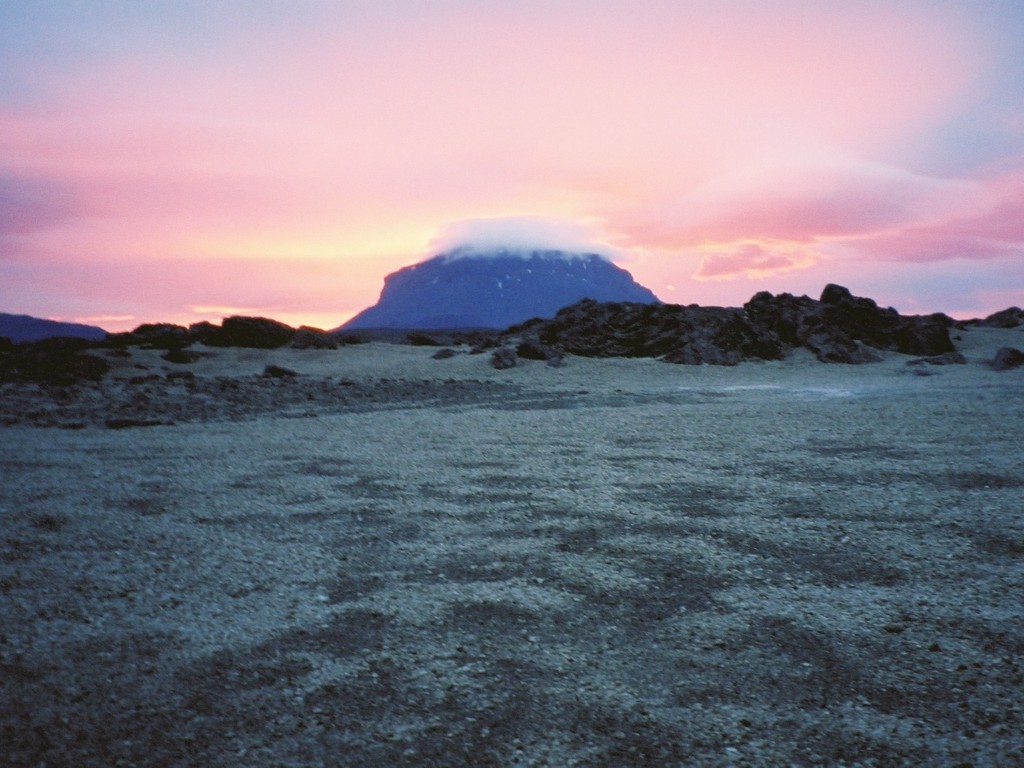
Mount Kailash | Dawn, Iceland |
 |
|
|
 |
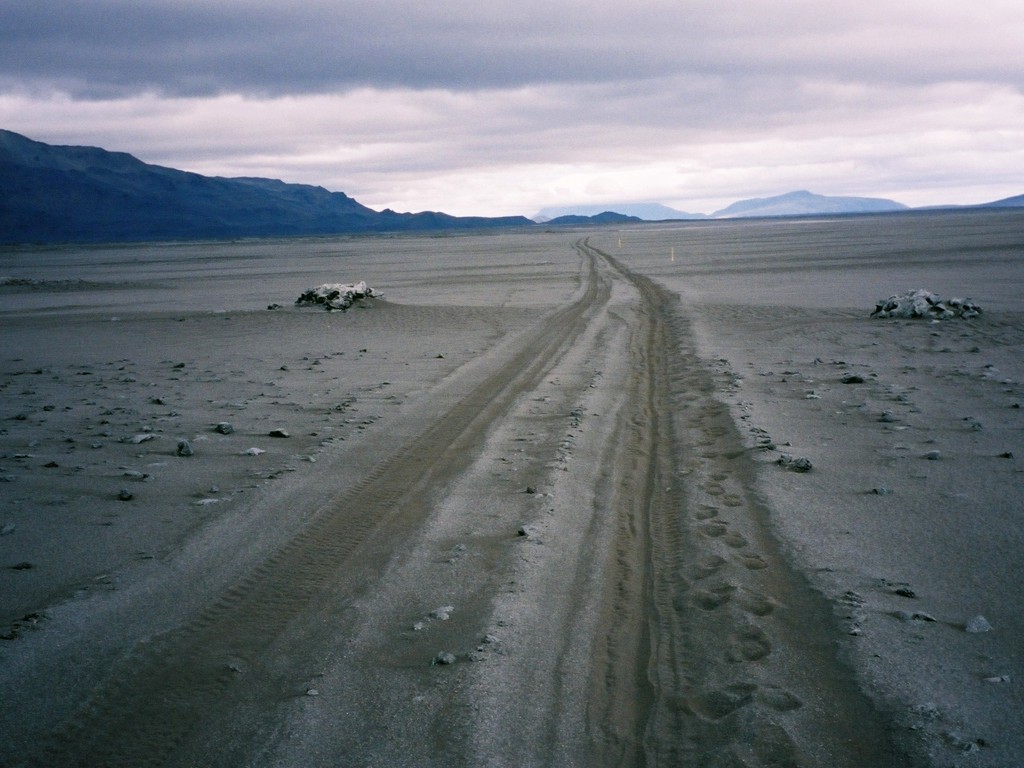
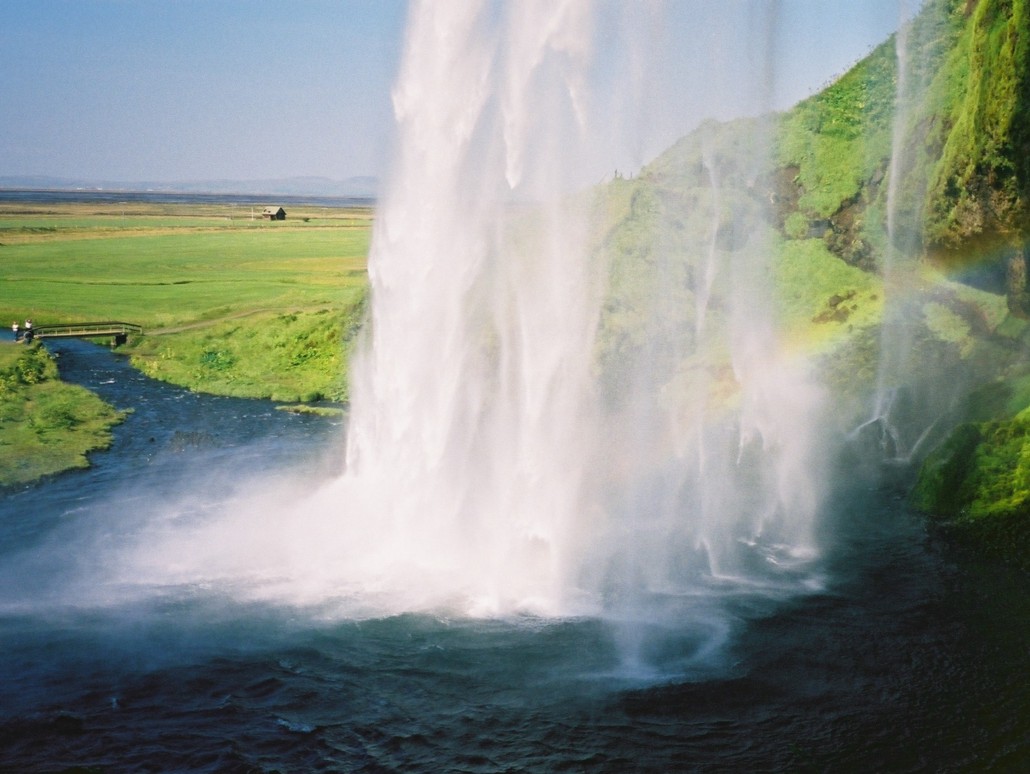
| Iceland | Waterfalls in Iceland |
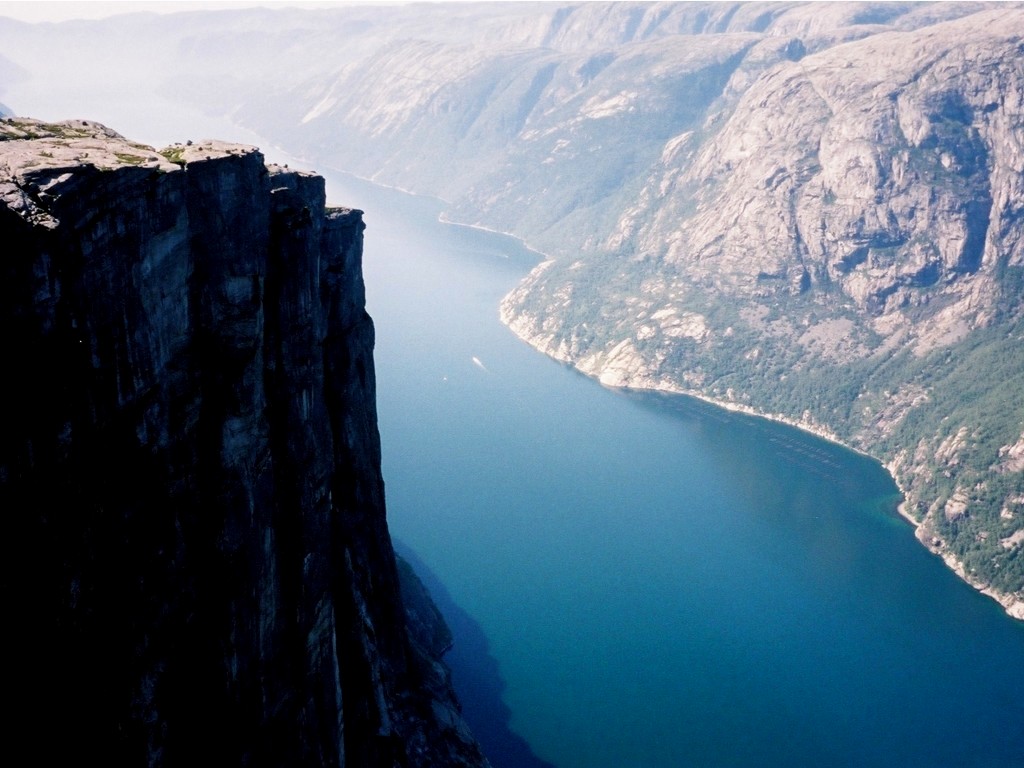
Lysefjorden, Norway |
Harbour of Oslo |
 |
 |

|
 |
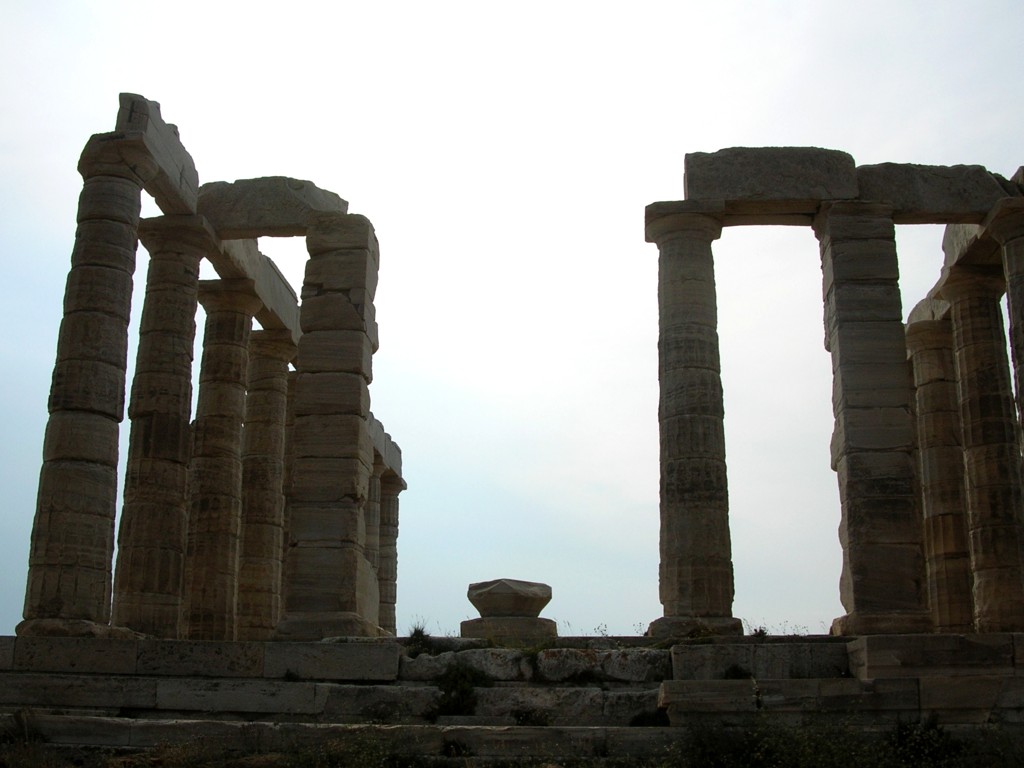
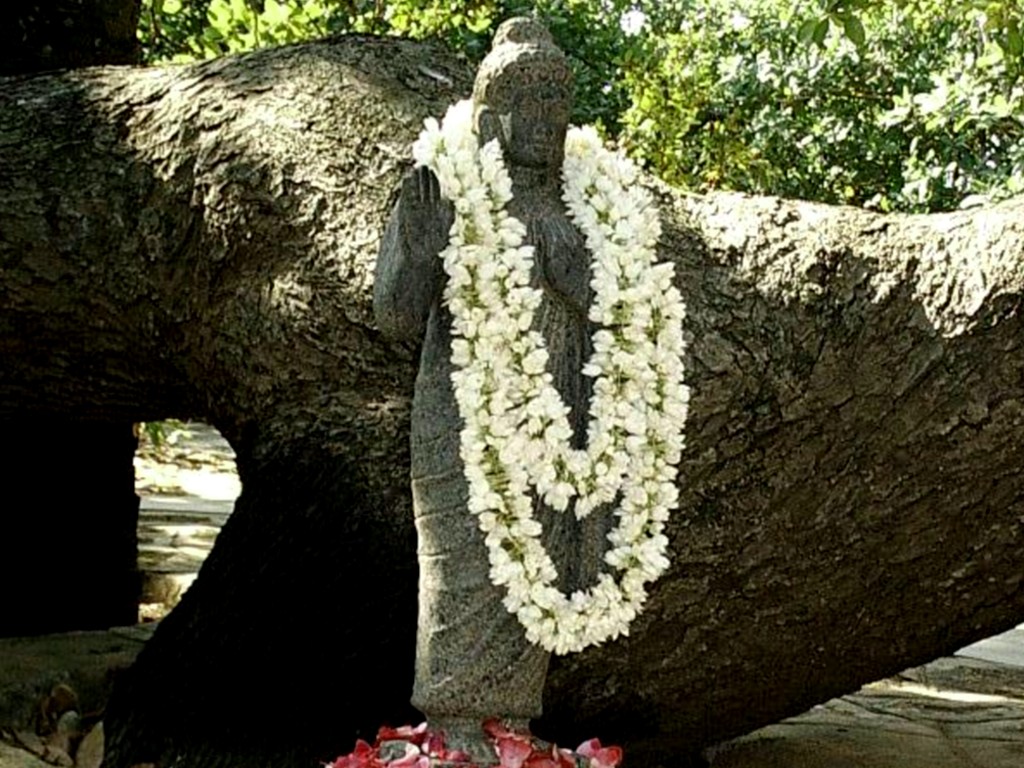
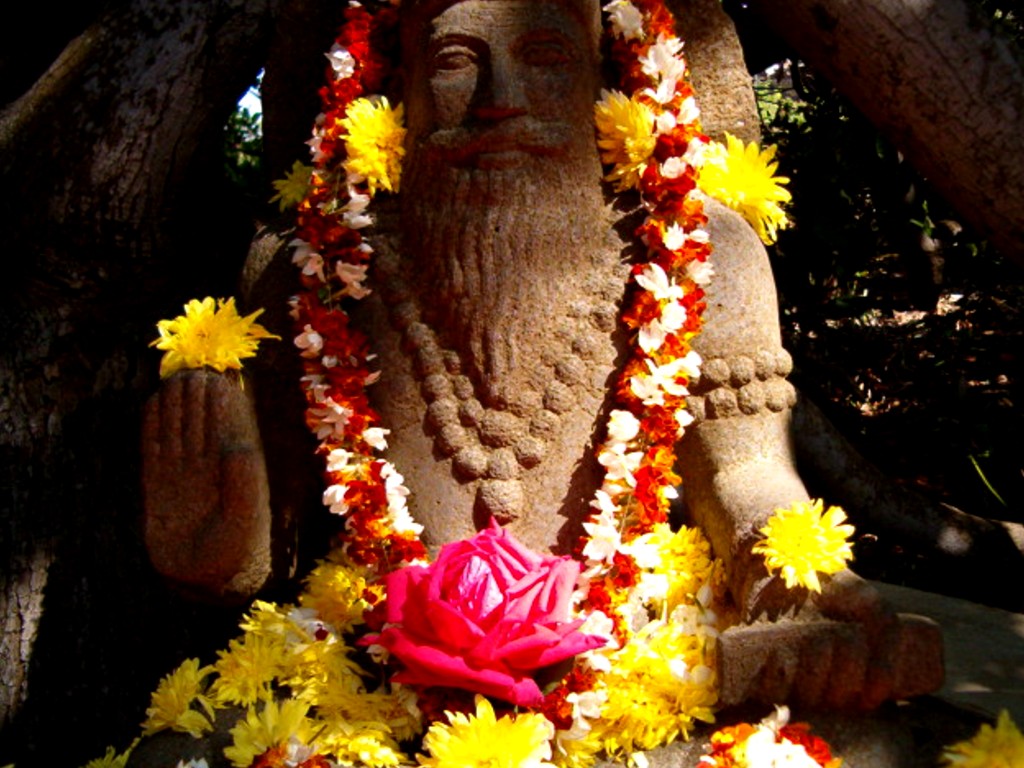
| Temple of Neptune, Cape Sounion, Greece | Buddha |
Planetary Healing Centre, Visakhapatnam, India | Nilagiris, India |
 |
 |

|
 |
| Maitreya | Fire Ritual |
Sunset | Full Moon |

|
 |
 |
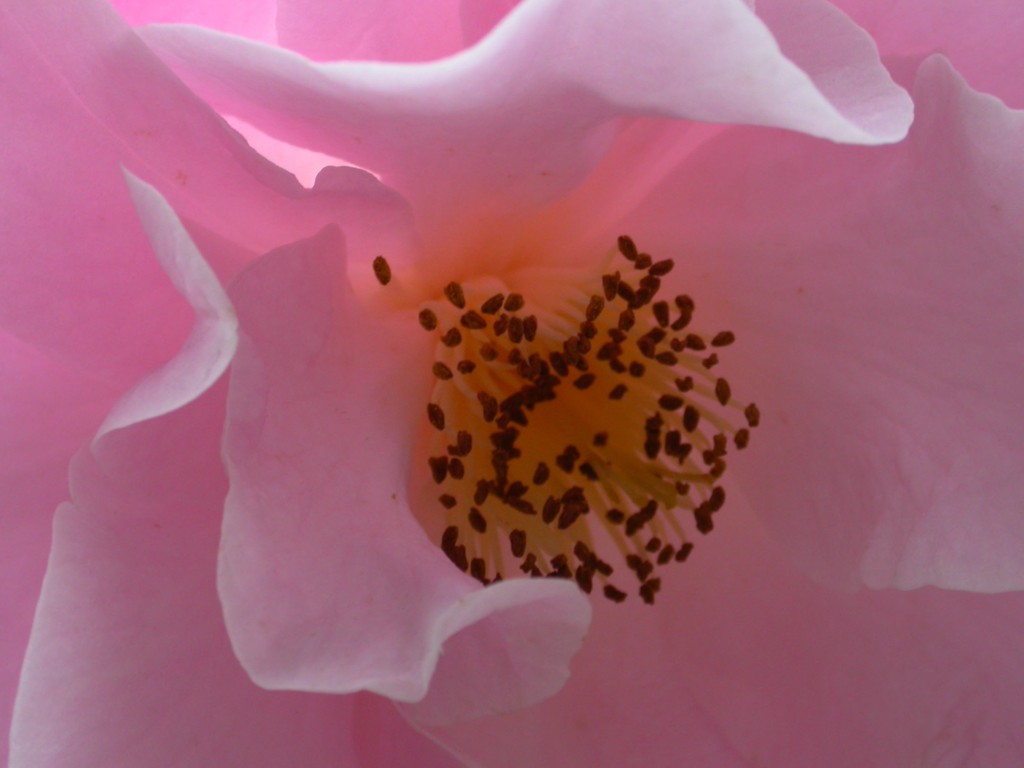 |
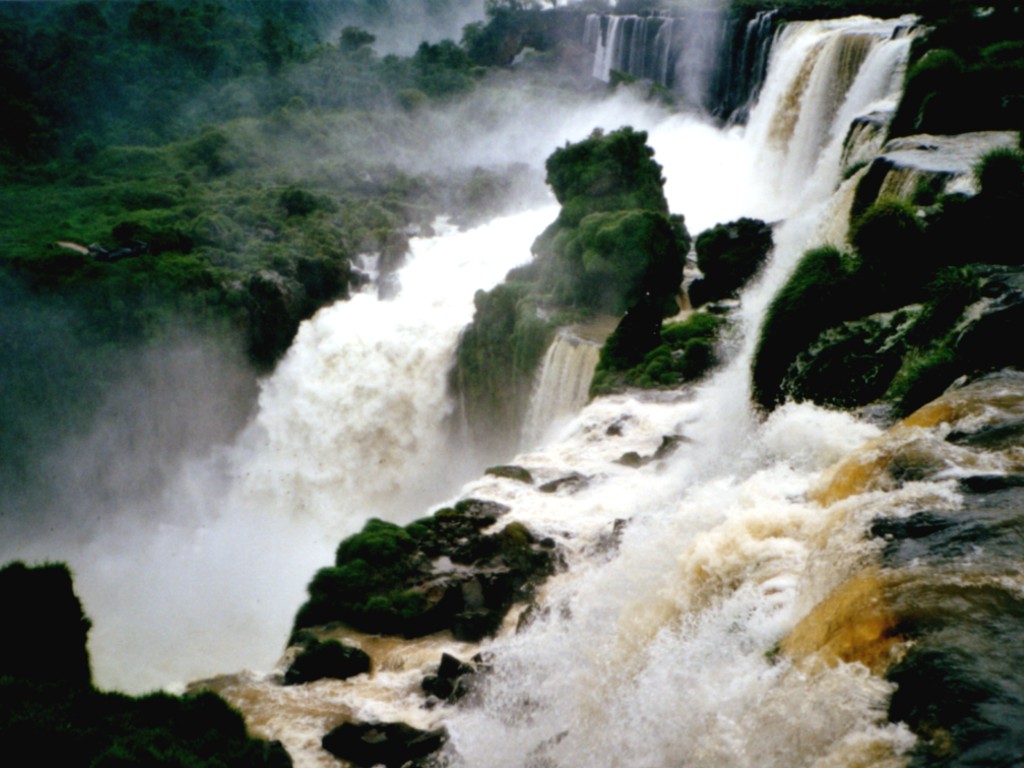
| Rose | Apple Blossom | Waterfalls of Iguazu |
Calyx |
How to install the background images
For Windows (2000 and XP), Internet
Explorer / Firefox:
Hold the mouse pointer over the image. Click the left
mouse button. The image opens in a new window. Hold the mouse pointer over the image and click on the right
mouse button. Select the "Set as background" option. The image is then installed as your
background.
For Mac (OS 10.2), Safari:
Hold the mouse pointer over the
image. Click with the mouse button. The image opens in a new window. Hold the mouse pointer over
the image. Click while holding the “ctrl” key and select the “Save to downloads directory”.
The
image will be saved to the directory that has been predefined by the browser for the downloading of
files from the Internet (the Mac Desktop is the standard setting).
Switch to the Mac
Desktop and hold the mouse pointer over the empty background. Click while holding the “ctrl”
key and select the “Change Desktop background” option. Select the option "Choose folder" in the
"Collection" menu and locate the downloaded image in the "Desktop" directory.
Click on “Choose”.
The image will now be installed as the desktop background.